
Find your shop quests
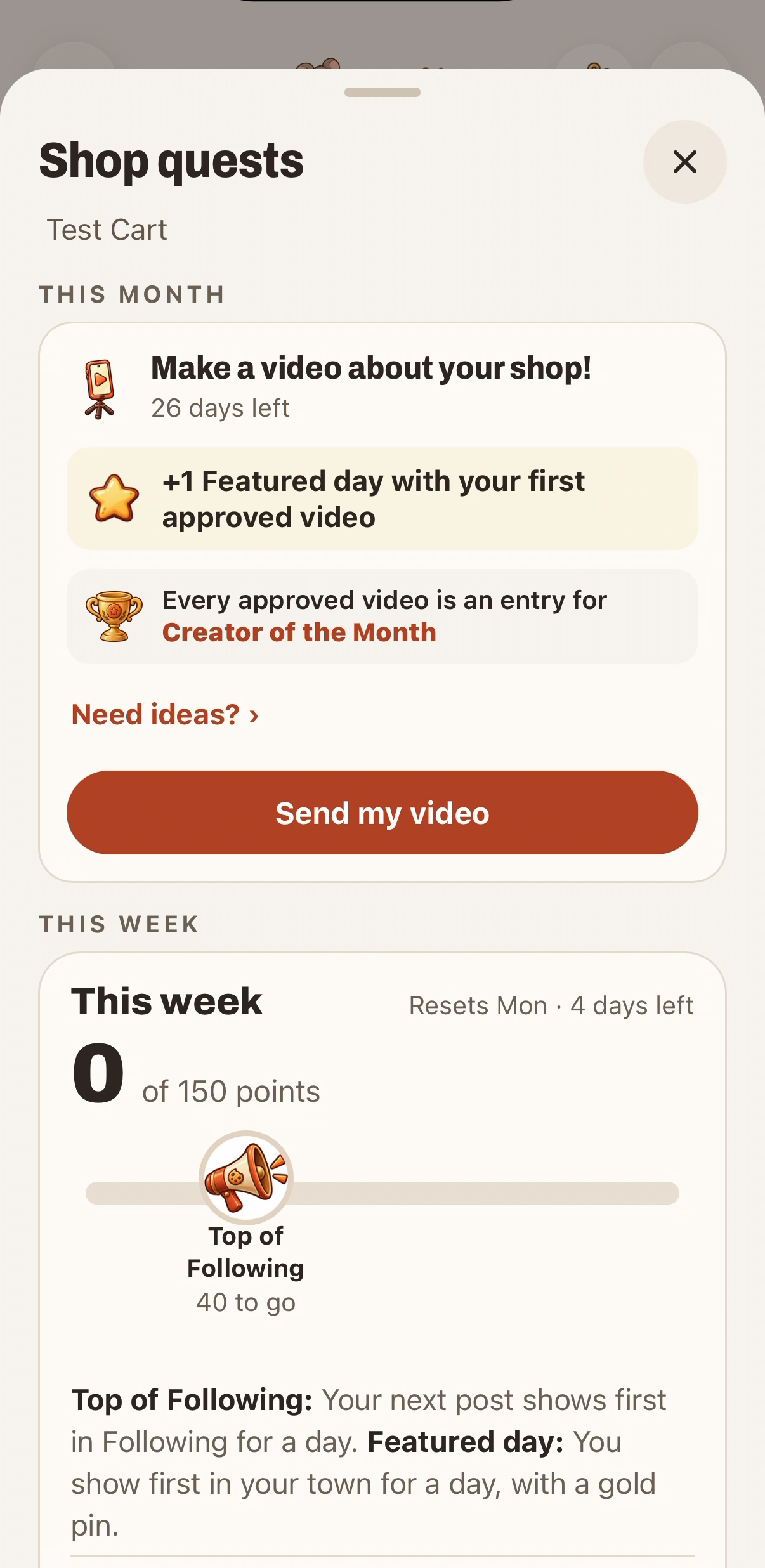
Your Shop quests card is on the Me tab. Tap See all shop quests › for the full list. It's also in My shop → Grow your shop → Shop quests.
How points work
You can earn up to 150 points a week. Quests reset every Monday.
- 40 points: Top of Following. Your next post shows first in your followers' Following tab for a day.
- 130 points: a free Featured day.
Typical quests:
| Quest | Points |
|---|---|
| Post with a photo on 2 days | +10 |
| Schedule a drop ahead | +10 |
| Get 3 sign scans (3 different shoppers) | +25 |
| Get 8 sign scans | +50 |
| Reply to a shout-out or comment | +25 |
Some weeks add a theme quest, like tagging a menu item. Tap any quest to see what counts.
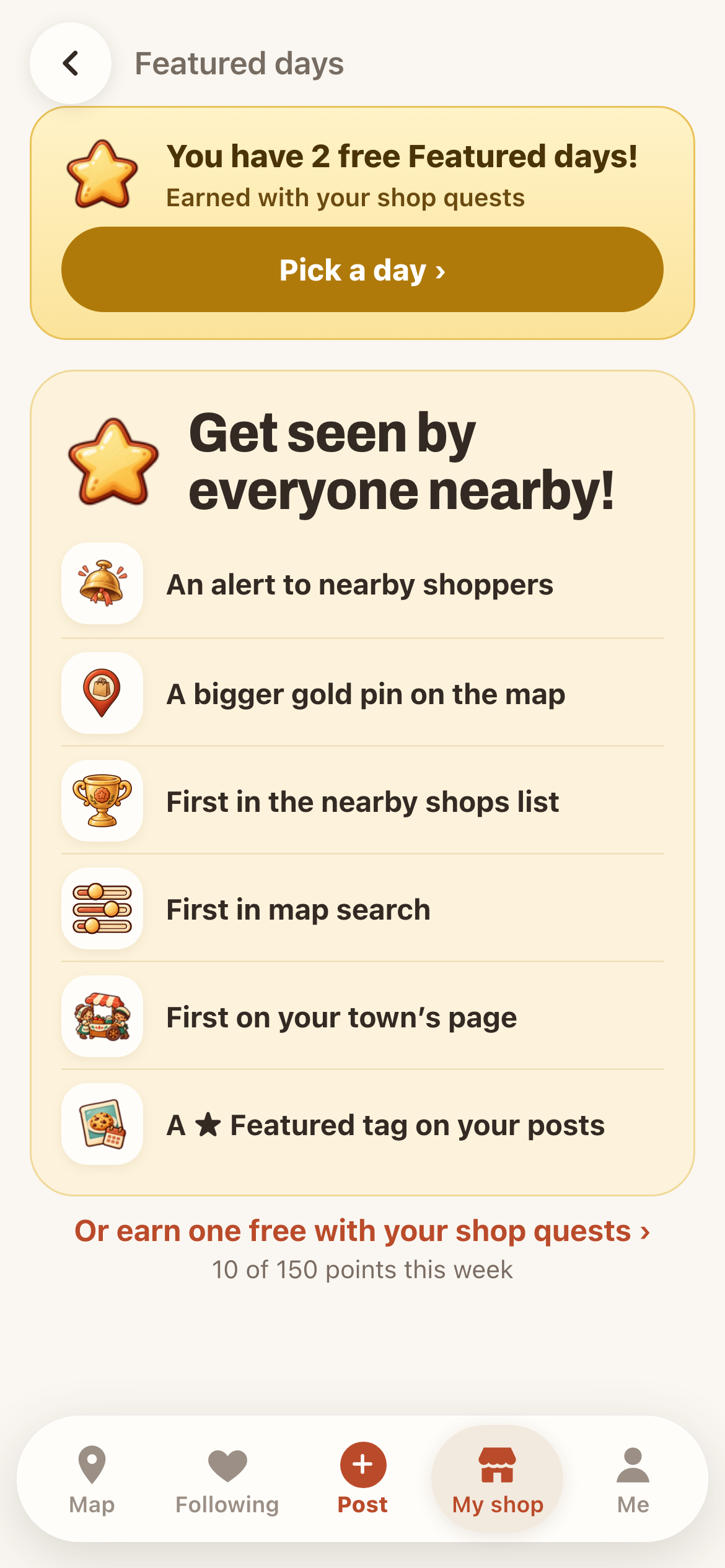
What a Featured day gets you
For one day:
- an alert to nearby shoppers
- a bigger gold pin on the map
- first in the nearby shops list
- first in map search
- first on your town's page
- a ★ Featured tag on your posts
Ways to get one
- Shop quests: reach 130 points. You can use one earned day a week.
- Your town's goal: when your town hits it, every shop that had a visit gets one.
- Creator of the Month: your shop's first approved video each month.
- A gift from a fan: shoppers can gift your shop a Featured day.
- Buy one: Buy a day · $2.99 on your Featured days page.
Pick your day
Open My shop and tap Pick a day on the Featured days card. Choose any day from tomorrow through the next 4 weeks, then tap Feature this day. You can Change day or Cancel this day until it starts. A canceled day goes back to your saved days.
Your Featured day only shows while shoppers can visit: if you've set hours, be open that day. If you never open, the day goes back to your saved days.
Get ready for the day
Post a photo or a drop with what you'll have. Keep Open, Sold out or Closed up to date as the day goes. Put your sign out so visitors can scan.