

Find a shop's punch card
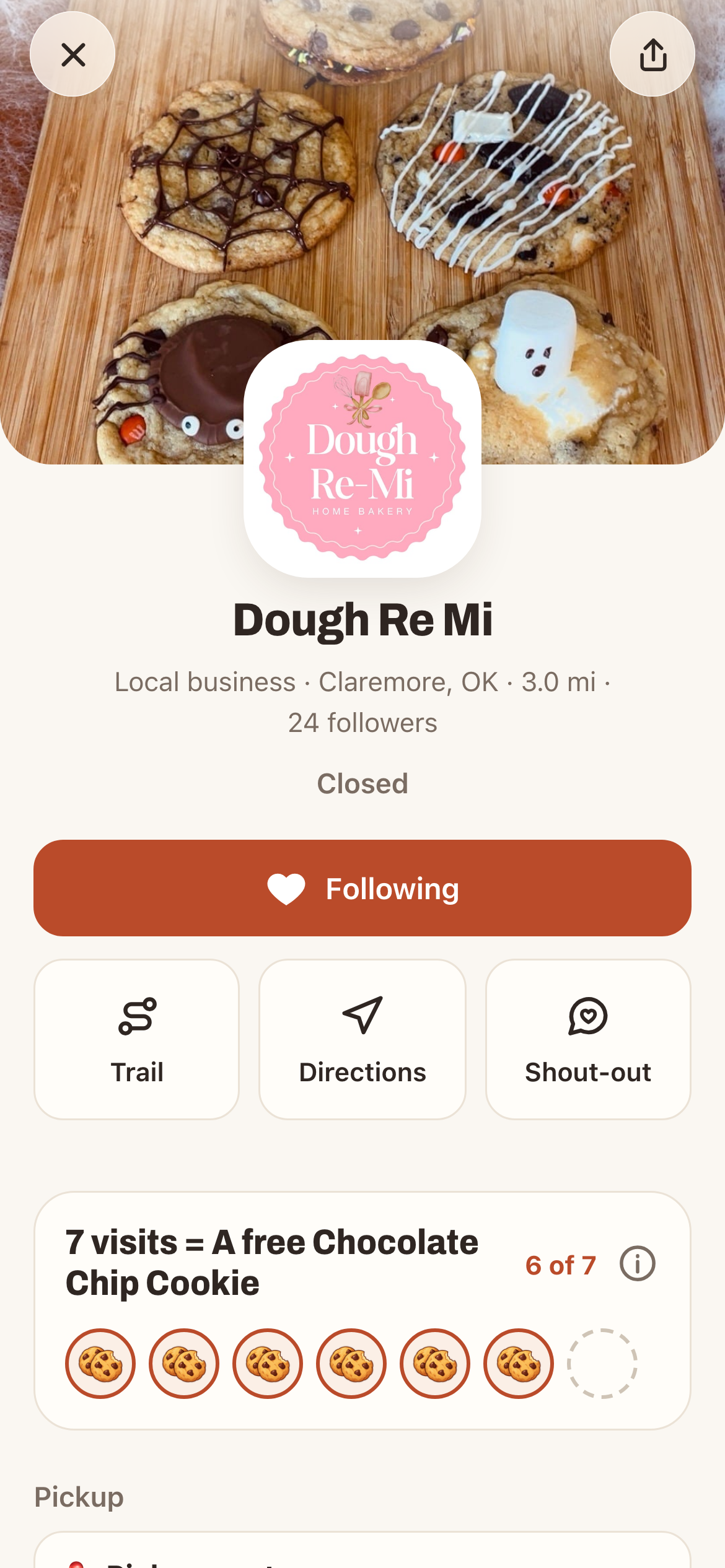
Open the shop's page in Cartily. If it has a punch card, you'll see it on the page, for example 7 visits = A free Chocolate Chip Cookie with your progress, like 2 of 7. No card means that shop hasn't set one up.
Cards take 5 to 10 visits. Stamps stay with that shop: a stamp at one bakery doesn't fill another bakery's card. Your stamps don't expire.
Collect stamps
Every time you visit, scan the shop's Cartily sign at the cart. On iPhone, tap Scan in Cartily. On Android, point your camera at the sign. You get one stamp per visit, so one a day at each shop.
Make a free profile to keep your stamps. Without one, they're held on your phone until you do.
Use your reward
When your card is full, the shop's card says Reward ready!
- Tap Use reward.
- Use it now? asks you to confirm. Only tap Use it now at the cart, because once you tap, it's used. Most rewards need you to be at the cart, so Cartily checks your location. If the shop chose "next order or pickup," use it when you pick up your order.
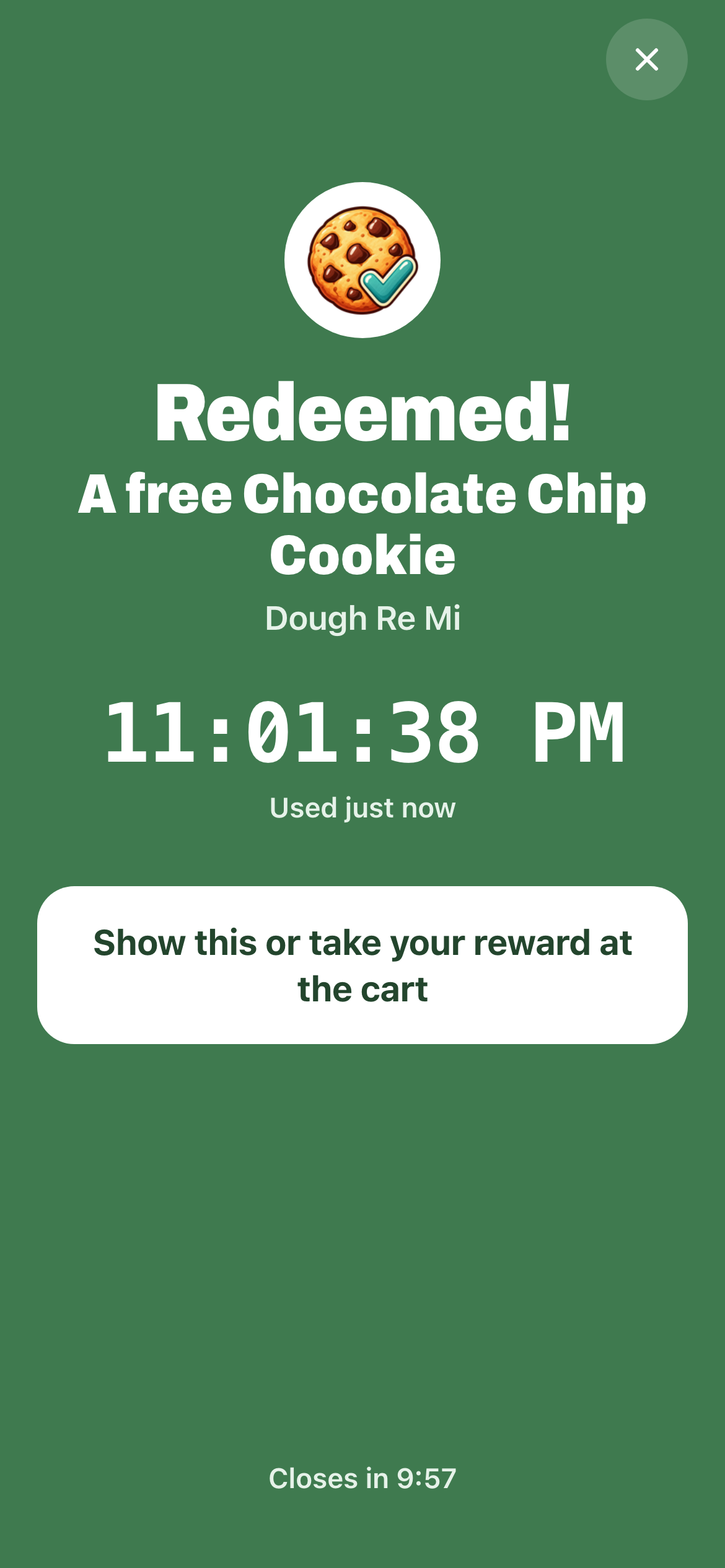
- A green Redeemed! screen shows the reward, the shop and the time. Take your reward. The screen closes by itself after 10 minutes.
Your card then starts over at 0, so you can earn the next one.
Cartily doesn't take orders or payments for shops. A punch card is a thank-you for visiting, not a way to reserve something that might sell out.
Get the most out of a favorite shop
Follow the shop so its posts and drops show up in your Following tab. Check its page before you head out, especially for small batches and seasonal items.