

Before you go
Open the shop's Cartily page and check whether it's open, its hours, its pickup spot and its latest posts. A pin on the map tells you where the cart is. It doesn't promise that something is still in stock.
Scan at the cart
- Find the shop's Cartily sign at the cart. It has a QR code that belongs to that shop.
- On iPhone, open Cartily and tap Scan. On Android, point your phone's camera at the sign and it opens Cartily.
- Allow location if Cartily asks. It only checks that you're at the cart when you scan.
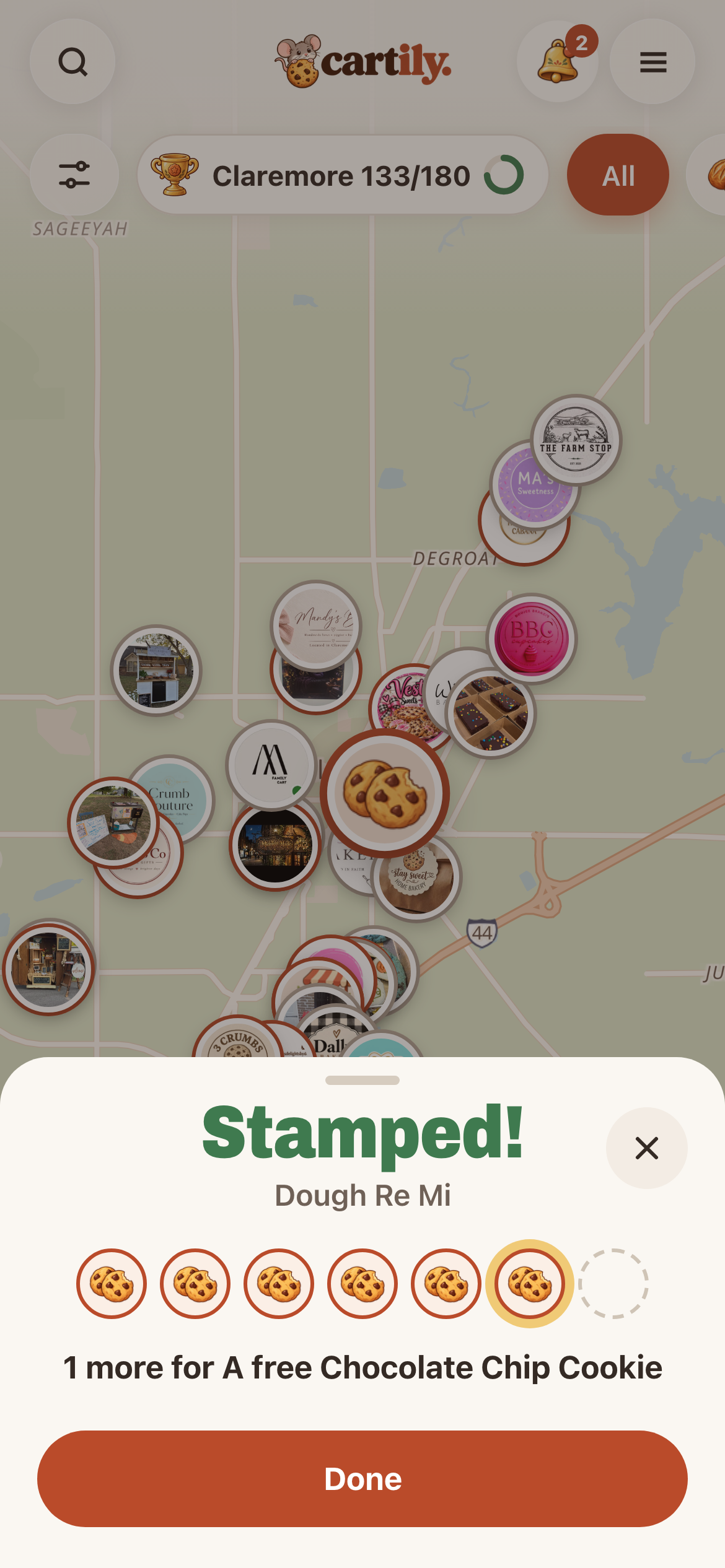
- Stamped! shows the shop, your stamps, your level and this week's quest.
You don't need a profile to scan. Your stamp is saved on your phone, and Cartily asks you to Make your profile to keep it.
The rules
- Be at the cart. You need to be within about 100 meters. Farther away, Cartily asks you to walk a little closer and scan again.
- While it's open. If the shop has set hours, visits count while it's open.
- One stamp per shop a day. Scan again the same day and you'll see Already stamped today.
- No signal? The scan is saved and counts when you're back online, as long as that's within 24 hours.
- A photo of a sign doesn't work from home. The scan checks where you are.
What your stamp does
- Punch cards: if the shop has one, every visit adds a stamp toward its reward.
- Weekly quests: visiting carts earns most of your weekly points.
- Levels: Newcomer, then Regular at 5 different carts, Local at 15 and Local Legend at 30.
- Your town's goal: your first visit to each cart this month counts toward it.
No sign at the cart?
Some shops haven't put a sign out yet. If nobody has scanned a shop's sign yet, its page in Cartily shows Ask for their sign (you need a free profile). Tap it and Cartily lets the shop know someone wants to scan. You can ask each shop once. You can still follow the shop and shop there in the meantime.