

See this week's quests
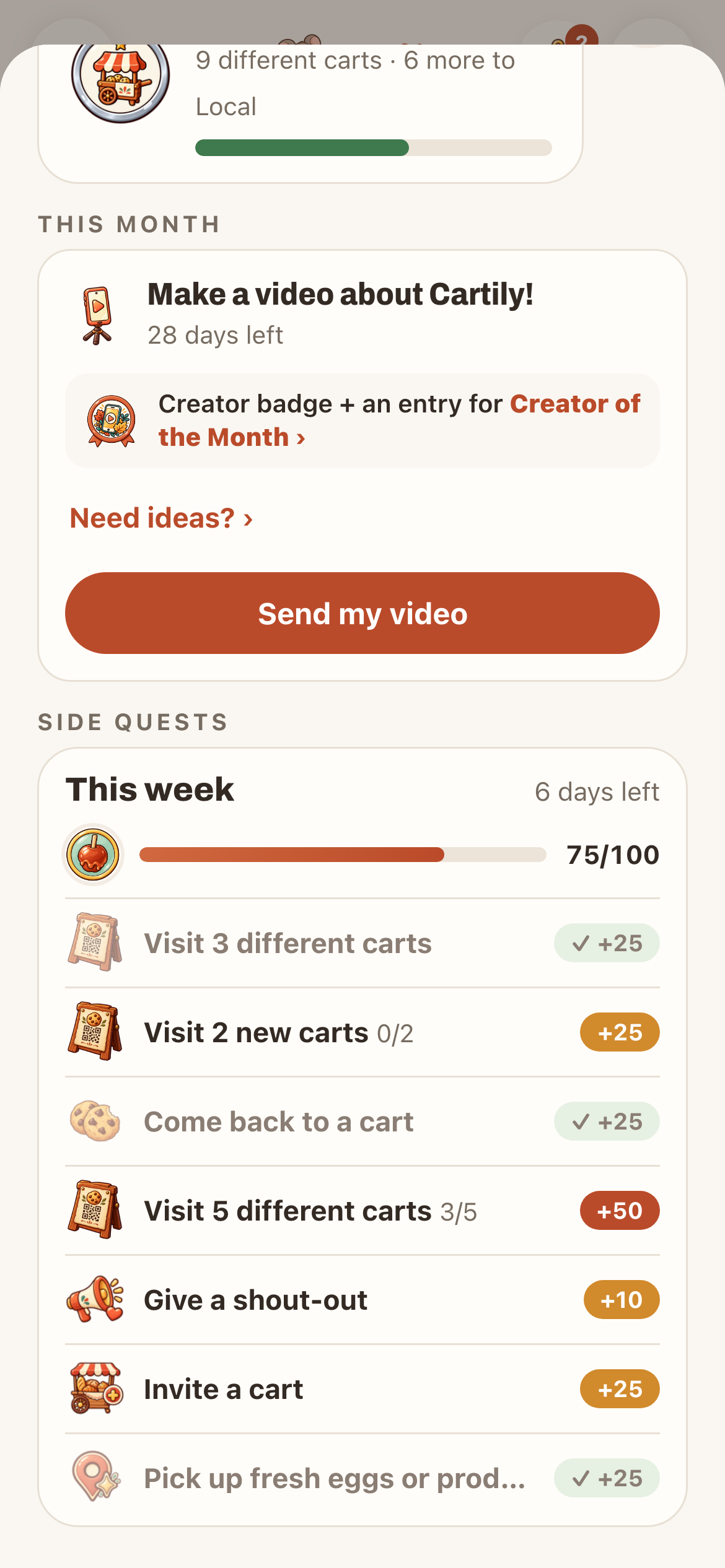
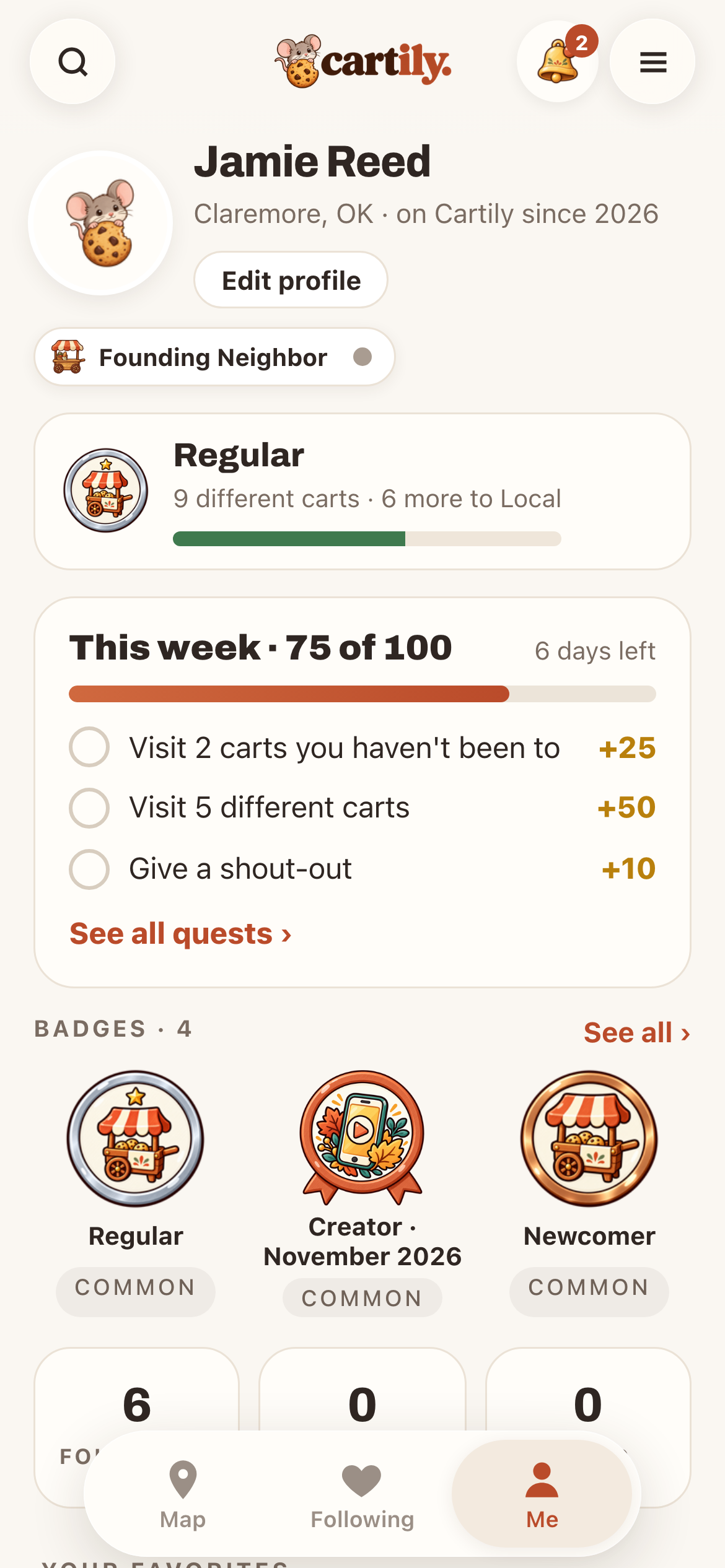
Open the Me tab. The This week card shows your points out of 100 and your next few quests. Tap See all quests › for the full list.
Tap any quest to see how to do it, what counts and when it resets.
How points work
Each quest is worth points, and 100 points earns that week's badge. Quests reset Sunday night. Points come from real visits and actions, so tapping a quest doesn't earn anything by itself.
Typical quests:
- Visit 3 different carts this week
- Visit 2 carts you haven't been to
- Come back to a cart you've visited before, on a different day
- Visit 5 different carts
- Give a shout-out: tap Shout-out on a cart's page and tell them what you loved. Only a shout-out to a cart you've visited earns quest points.
- Invite a cart to Cartily: it counts when a cart joins from your invite link.
Some weeks add a theme quest or a drop-day quest. Visits are scans of a cart's sign, at the cart. See How to scan a Cartily sign.
Levels and badges
Your level comes from how many different carts you've visited:
| Level | Different carts |
|---|---|
| Newcomer | 1 |
| Regular | 5 |
| Local | 15 |
| Local Legend | 30 |
Going back to the same cart doesn't raise your level, but it still adds a stamp to that shop's punch card.
Your level and badges are on Me. Tap See all › for Your badges: levels, milestones like 10 Carts, weekly badges and town goal badges. Tap a badge to see how to earn it, or to share one you've earned.
Make it a good outing
Pick one cart you love and one you haven't tried. Check both pages for hours and pickup details, then add them to My Trail to plan the route. If a cart shows Sold out or Closed, pick another stop.